

The message “You are being redirected” indicates that your website has a type of bot protection enabled.
On login/admin pages, such as wp-login.php, this message will always be displayed, unless the IP address of the visitor is allowed.
If you see this message when sharing a post on Facebook or Google, it typically means that the “Emergency DDoS Protection” setting is enabled in the Security settings.
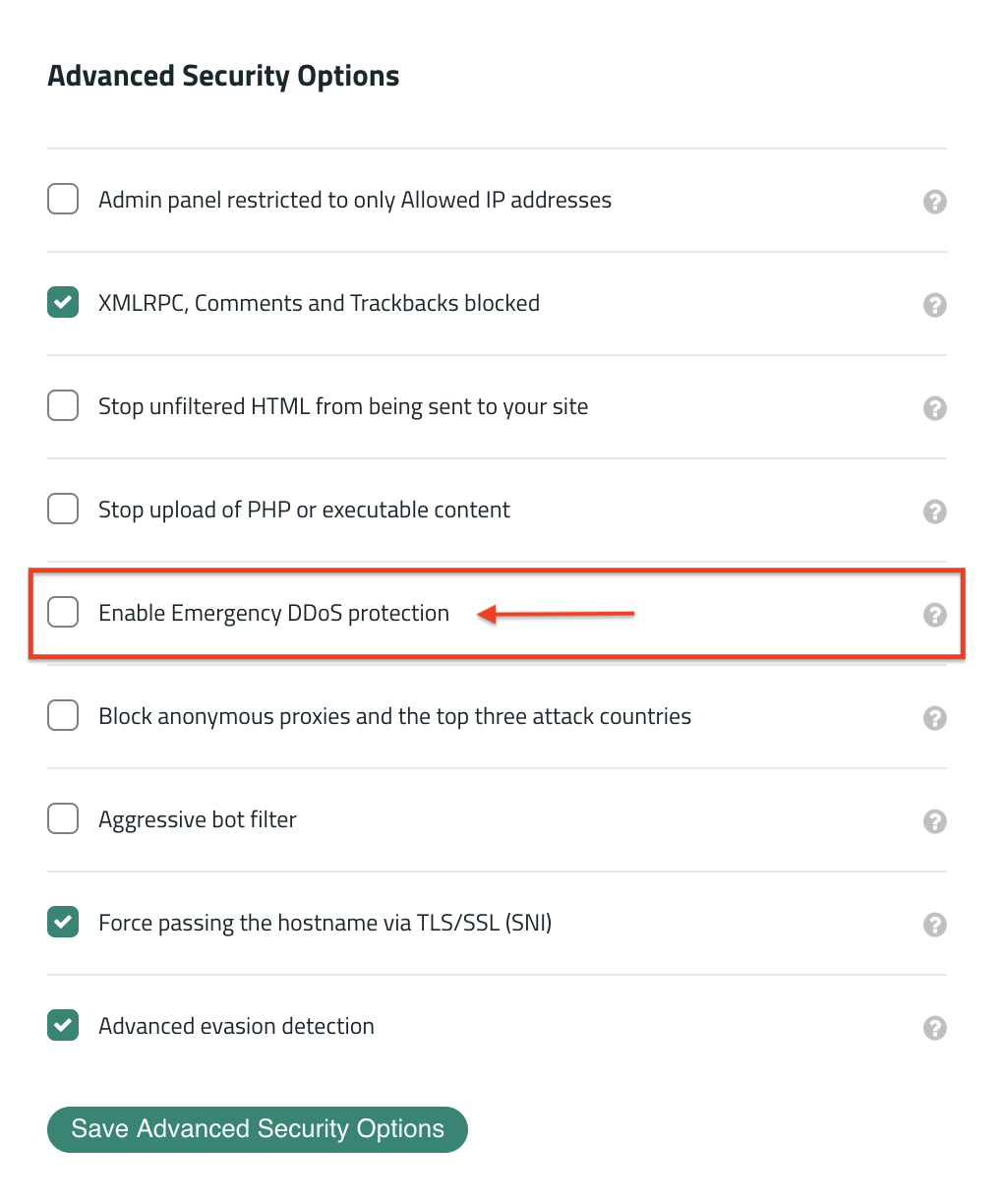
The HTTP flood protection, which is activated when the Emergency DDoS protection setting is in place, will prevent anyone from using a browser without JavaScript enabled when visiting the site (except major search engines).
This is very useful when the site is under a Distributed Denial of Service (DDoS) attack, but should be turned off when not under attack because it can block legitimate users.
To remove the “You are being redirected” message from the site, disable the Emergency DDoS Protection setting in the Security tab of the firewall dashboard and clear the firewall cache.